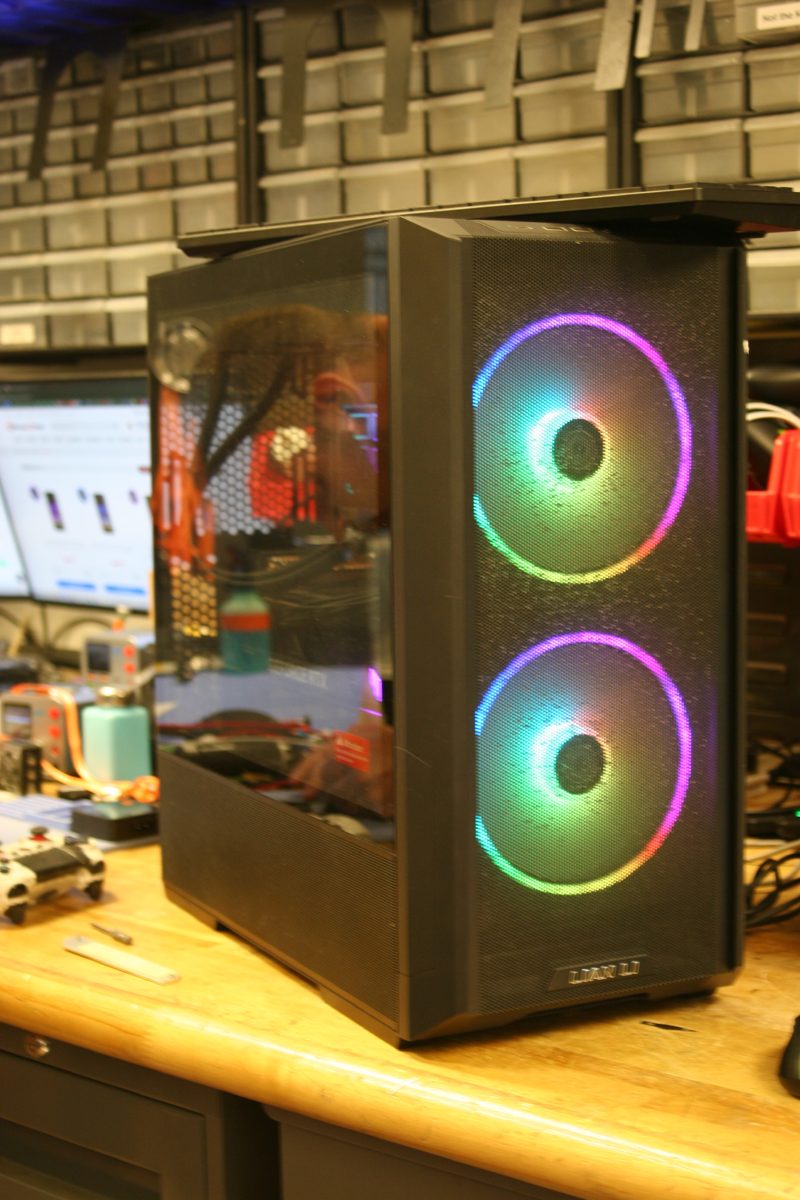
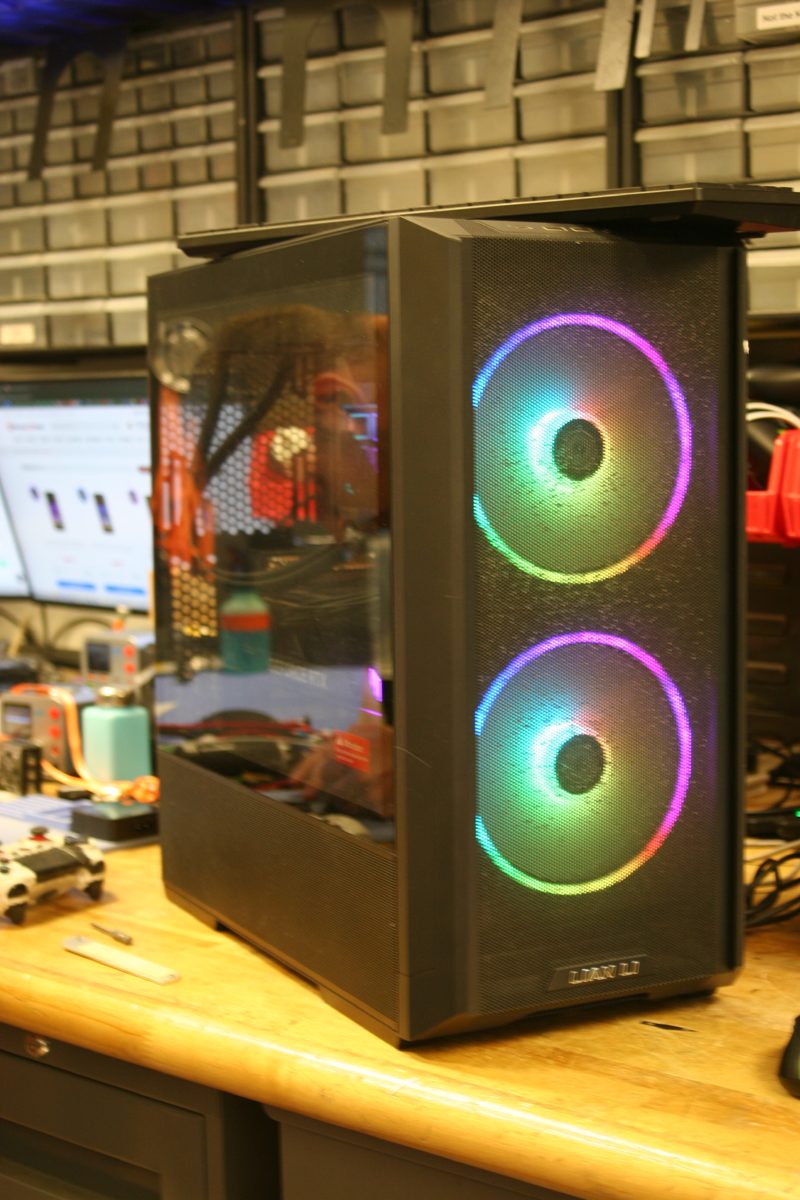
When Your Gaming PC Stops Cooperating
A gaming PC that crashes mid-match, runs hot, or won’t power on at all is frustrating, especially after what you spent on it. Bull City Mobile Repair diagnoses and repairs desktop and gaming PCs in Durham, NC.
Common Gaming PC Problems We Fix
- Overheating and thermal throttling: dust buildup, dried-out thermal paste, failing fans or AIO coolers
- No power or no display: power supply, motherboard or GPU problems
- Random crashes and blue screens: bad RAM, driver issues, failing storage
- Loud fans and high temps under load
- Parts swaps and upgrades: GPU, PSU, RAM and SSD installs
Signs You Should Get It Checked
If your PC shuts off under load, the fans run at full speed constantly, it smells like something burning, or it won’t POST, stop using it and bring it in before a small problem becomes a dead component.
What to Bring
Just the tower. You don’t need to bring your monitor, keyboard or mouse unless the problem involves them. Let us know about any recent changes, like new parts, driver updates or a move.
Frequently Asked Questions
Do you work on custom-built PCs?
Yes. We repair both prebuilt and custom-built gaming desktops.
Will I lose my games and files?
Most hardware repairs don’t touch your data, but we always recommend a backup if the PC still boots.
Do I need an appointment?
No. Walk in Mon–Sat 10 AM–6 PM.
No appointment, no mail-in, no waiting a week. Just walk into the shop that comes up when you search “gaming PC repair in Durham.”
Bull City Mobile Repair · 4201 University Dr #105, Durham, NC 27707 · Mon–Sat 10 AM–6 PM · (919) 937-9703
Serving Durham, Chapel Hill, RTP and Morrisville.